

Robot Maintenance Cases: Log History and Flight Records
2026-11-04
Robot Maintenance Cases: Log History and Flight Records
Robot Maintenance Cases often arrive as a folder of files and a few exported views. If one view shows message entries and another shows a graph, the case author may call both “the log” and assume they explain the same evidence. Universal Robots' Log Viewer documentation makes a more specific distinction. Reading that distinction helps a maintenance case stay clear about what was supplied and what remains unexplained. This article examines documentation only; it does not collect live robot data or diagnose a failure.
Identify the submitted file before naming its view
The inspected UR Log Viewer manual page, labeled viewer version 1.3.5.0, lists several supported file types. It distinguishes the Log Start information visible for a Log History file from Flight Records available when opening a Support File, Flight Report or real-time recording data file. The reader should preserve that documented input context rather than treating every supported file as the same evidence package.
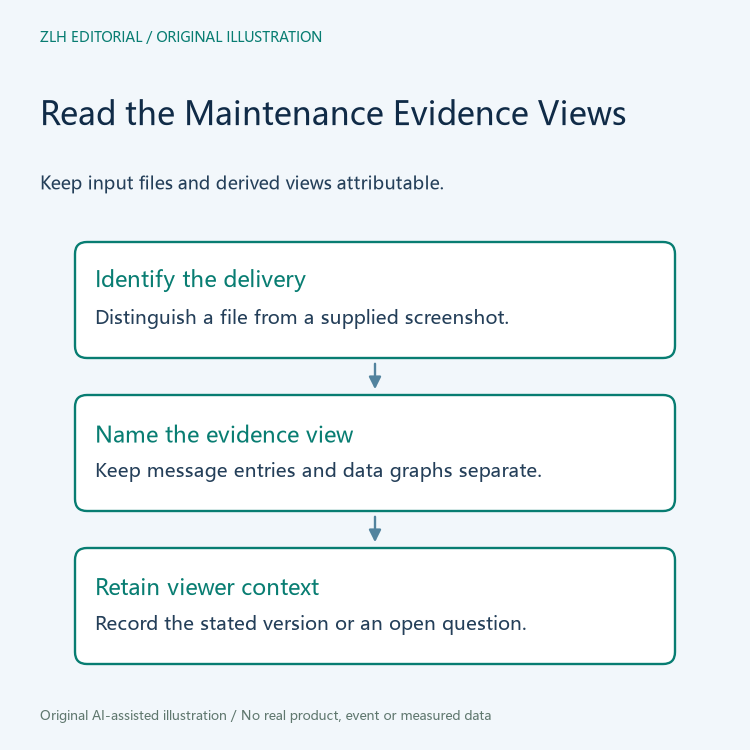
Begin a proposed case review by recording what the owner says was delivered. Preserve the original filename as a label, but ask for a description of the file's source and role. A name alone does not establish its contents. If the case includes a screenshot rather than a file, identify it as a supplied view and leave the underlying-input relationship open until the contributor explains it.
Keep message entries and recorded-data views distinct
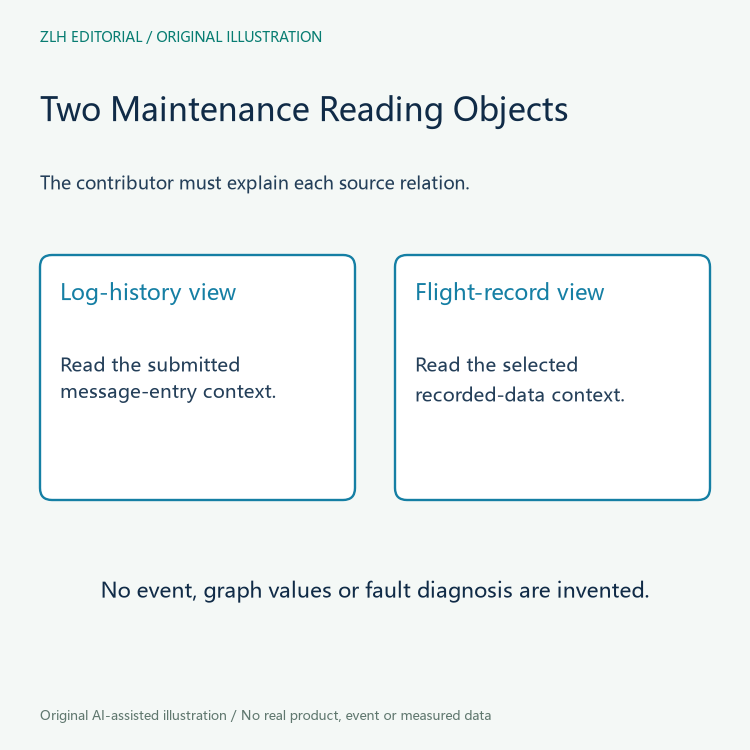
A case narrative can separately describe a message-entry view and a recorded-data graph. That separation makes it easier to ask which question each item is intended to support. A message excerpt may help locate an event in the supplied record, while a graph may be offered to explain selected recorded variables. Neither purpose should be invented by the editor merely because a familiar-looking window is present.
Ask the contributor to point to the relevant part of the submitted evidence and state its intended meaning. If a graph is missing, do not immediately conclude that the robot failed to record data. The input type, delivered scope and tool context all remain questions. Conversely, a graph's presence does not establish that the contributor selected the intended event or that a particular component caused it. The case needs an attributable explanation of that association.
Viewer release context can affect the reading question
The official UR Log Viewer release notes list version 1.4.1.0 as reading a newer flight-record data format and updating error-code definitions. The same page describes a summary and filtering feature for version 1.4.0.0. These statements make the viewer version relevant to a documentary comparison; they do not show which version produced an actual submitted view.
Record the contributor's stated viewer version if available, and preserve an unknown value when it is not. Do not explain every difference between two exports as a software-version effect. To support such an explanation, the case owner would need to connect the particular input and view to the relevant behavior. Release notes are useful questions to bring to that conversation, rather than a diagnosis that can be copied into the case without further evidence.
Use a fictional case to separate delivery gaps
Imagine a fictional case for Robot Cell Birch. The service coordinator receives a Log History attachment and a graph copied from an earlier presentation. The presentation does not identify its input file. A careful narrative can list the current attachment and the earlier graph separately, then ask whether the graph relates to the same submitted record. The example contains no real incident, measured values or error code.
If the contributor later supplies the missing relationship, add that explanation beside the graph. If the contributor instead supplies a different input file, record it as a new delivery. Those responses resolve different questions. Neither response should silently overwrite the initial evidence list, because the difference between what was first available and what was later clarified may matter to the next person reviewing the maintenance case.
Finish with a case account that can be handed over
A bounded case note might state that the Log History attachment has been identified, the graph's source is now documented, and the viewer version remains unconfirmed. It should avoid claiming that a cause has been established unless the actual case evidence supports that separate conclusion. A clear account of files and views is useful service preparation even when it does not close the engineering investigation.
Continue through the site's reference category and related-information category for additional reading. Category links are not evidence of a completed service examination. When more material arrives, update the affected file-to-view relationship and explain what changed. The result is a maintenance narrative that distinguishes evidence delivery, software context and technical interpretation instead of compressing them into one ambiguous statement that “the log was checked.”


